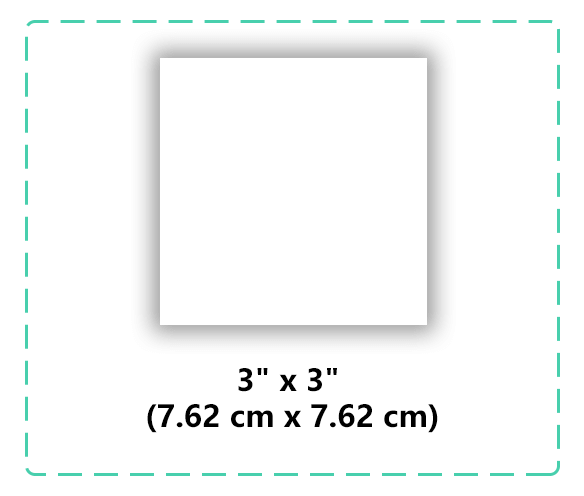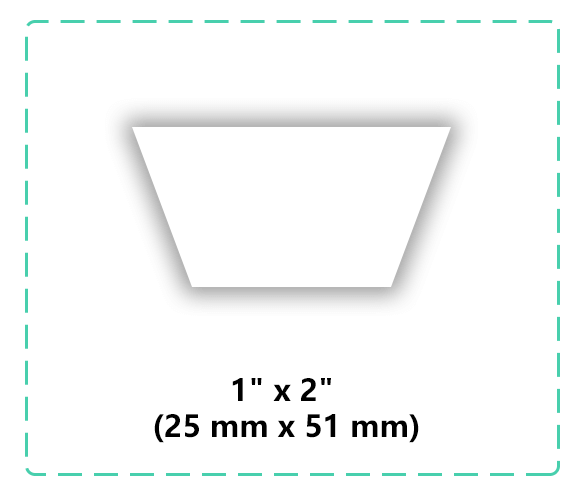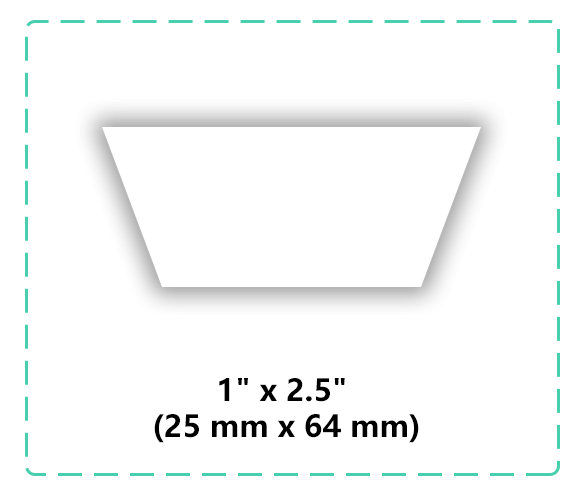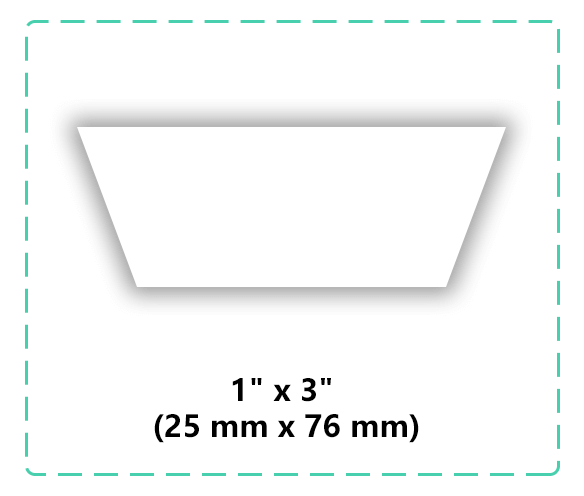
Supported file types
One-liner
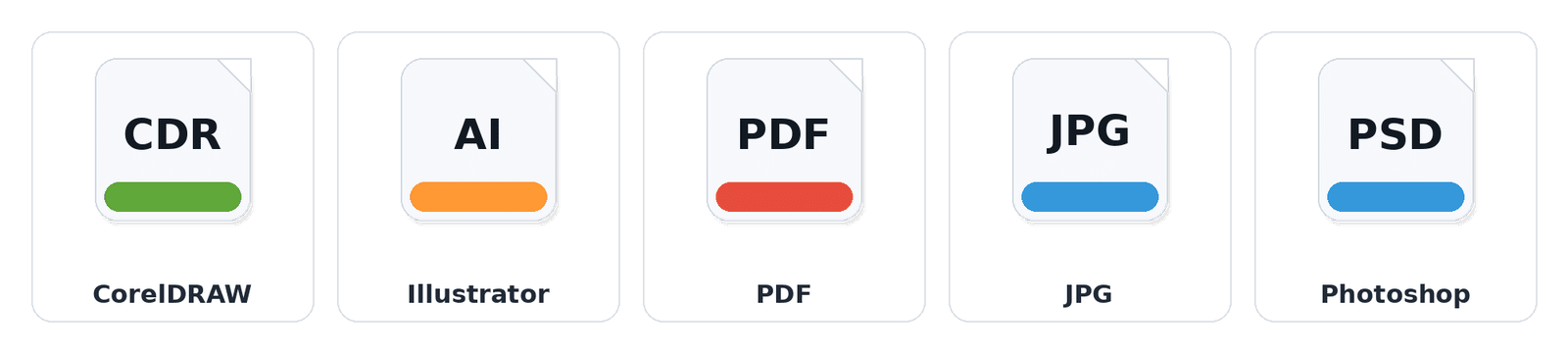
Vector files print sharpest. If using PNG/JPG, send the highest resolution.
List
- Best: AI, PDF (vector)
- Also OK: PNG (transparent), JPEG
- Photoshop: PSD accepted (layers recommended)
30-second checklist
Checklist
- Text converted to outlines (or include the font)
- Logo is centered and sized correctly
- Transparent background for PNG
- Avoid screenshots or low-res previews
- Leave safe margins around the design
- Share link permission set to “Anyone with the link”
What affects print quality most
Avoid ultra-thin strokes.
Vector keeps edges crisp.
Send original files for best results.
No background? Use vector or transparent PNG.
Tell us where it goes for sizing advice.
Label-specific notes (quick checks)
avoid ultra-tiny details—simplify artwork for clean weaving.
keep safe margins; add bleed if your design touches the edge.
tell us fabric type + placement so we can confirm best results.
How to submit your artwork
Please avoid links that require login or approval.
Share link (recommended)
Paste a download link in the quote form (Drive/Dropbox/WeTransfer).
Email files to care@upperlabels.com after submitting the form.
Include these details for the fastest quote
Digital proof before production
We’ll send a digital proof for approval. Production starts after confirmation.
Artwork FAQ
Vector (AI/PDF) is best for sharp edges, especially for small text. If you don’t have it, send the highest-res PNG/JPG you have.
Make sure access is set to “Anyone with the link can view/download.” If unsure, email the file to care@upperlabels.com.
Yes. If we spot issues (low resolution, thin lines, tiny text), we’ll suggest quick adjustments before production.
We print based on your supplied file. If color is critical, leave a note and we’ll advise.
Ready to submit your artwork?
Need sizing help? Contact us.