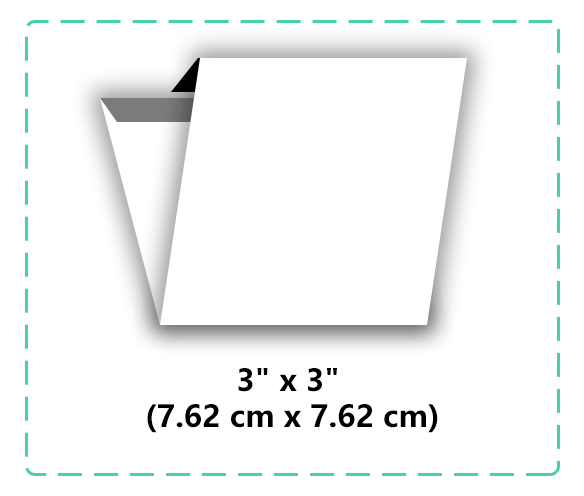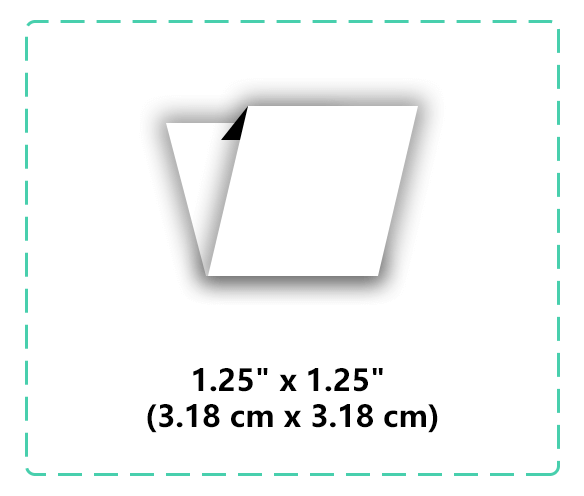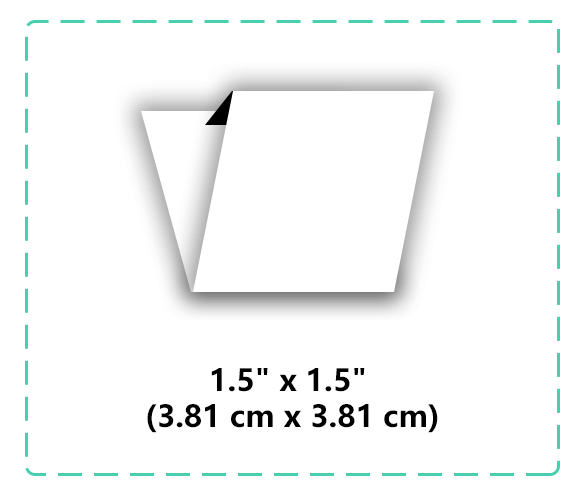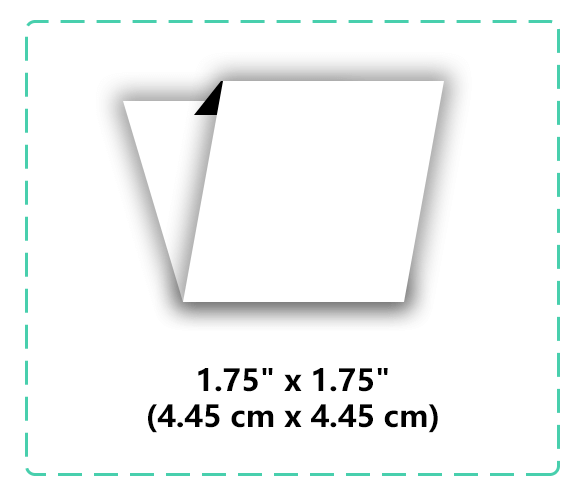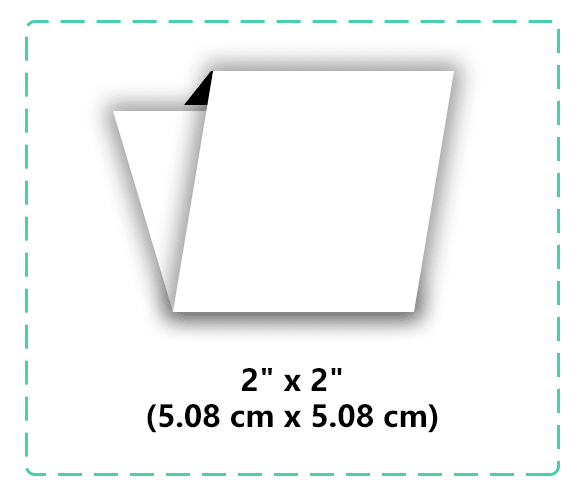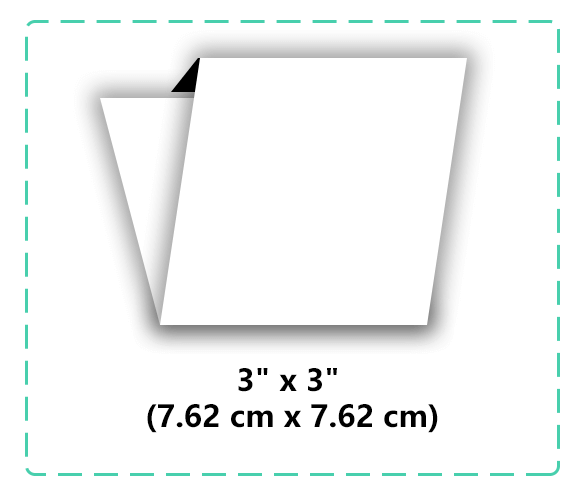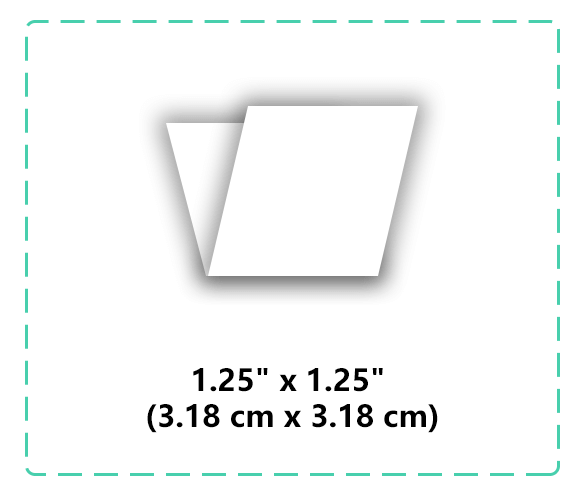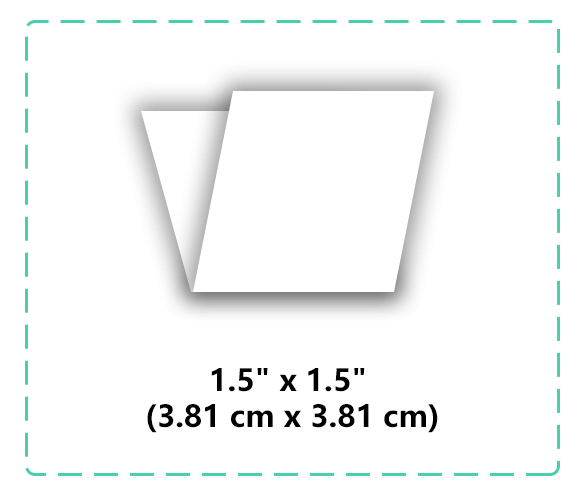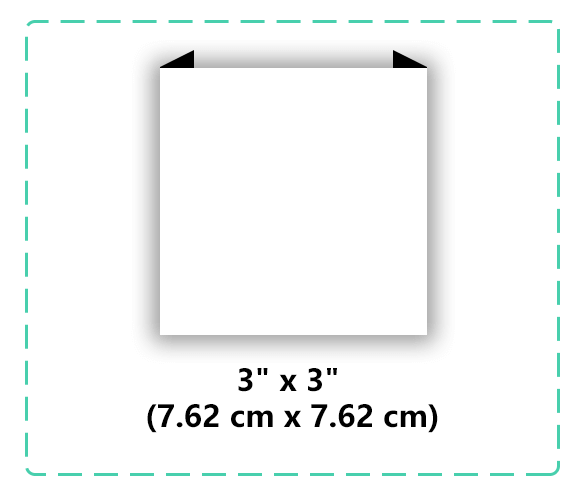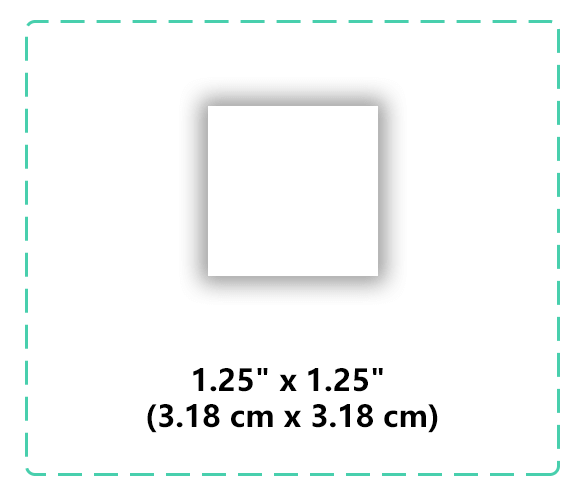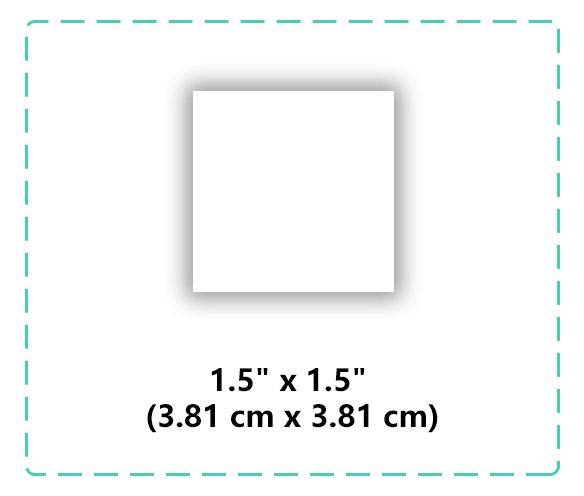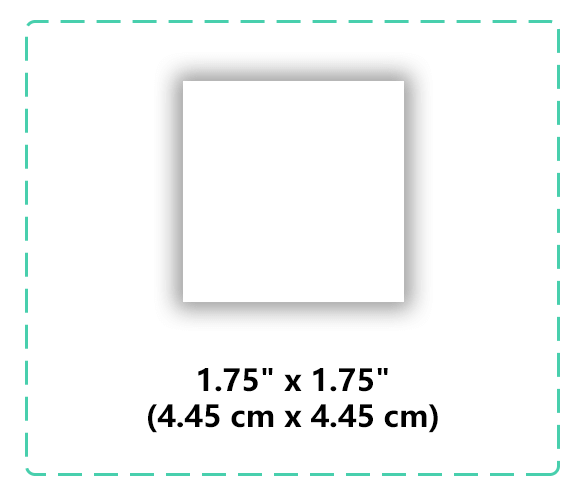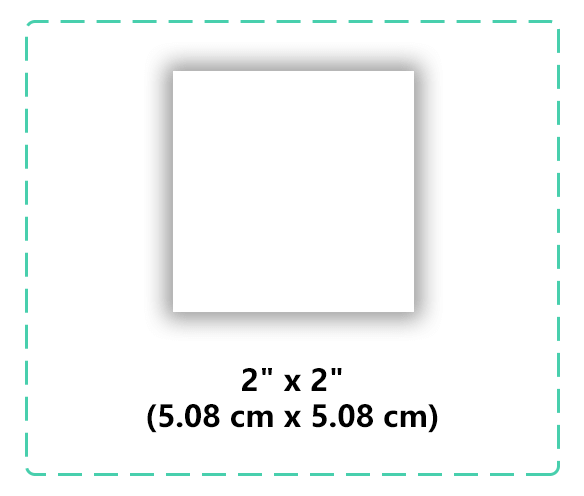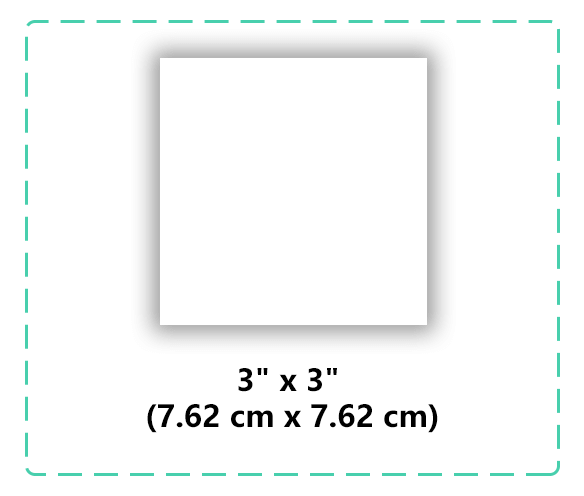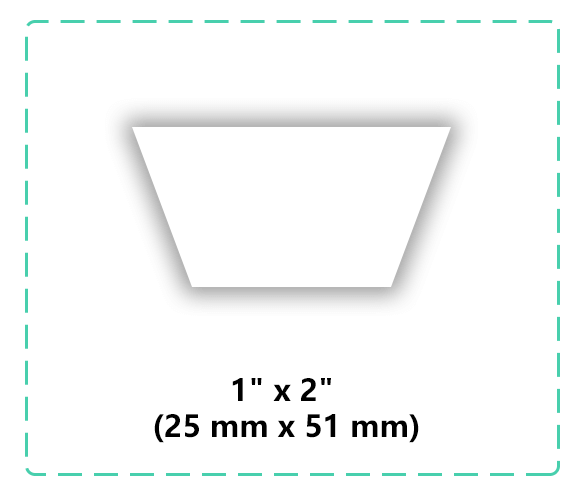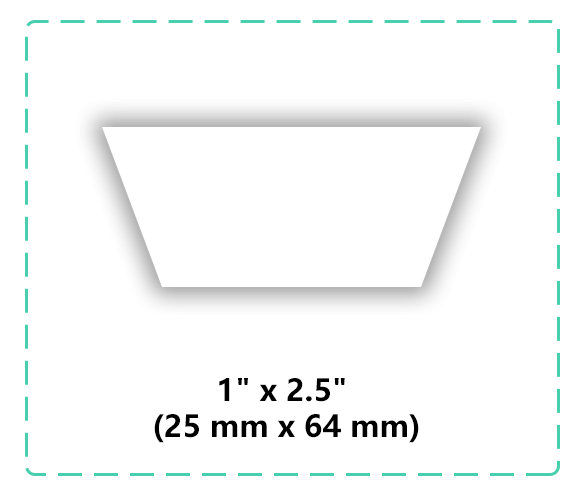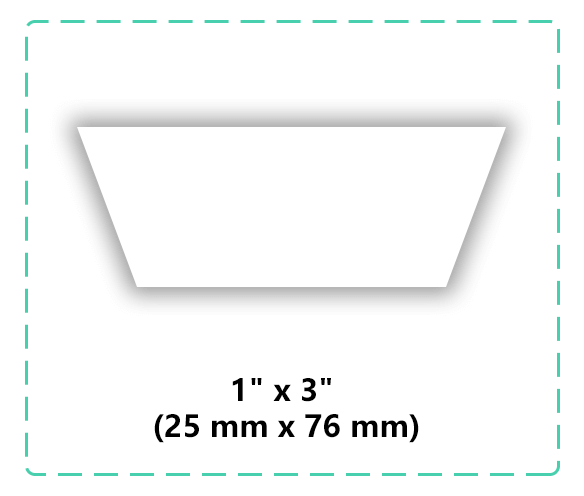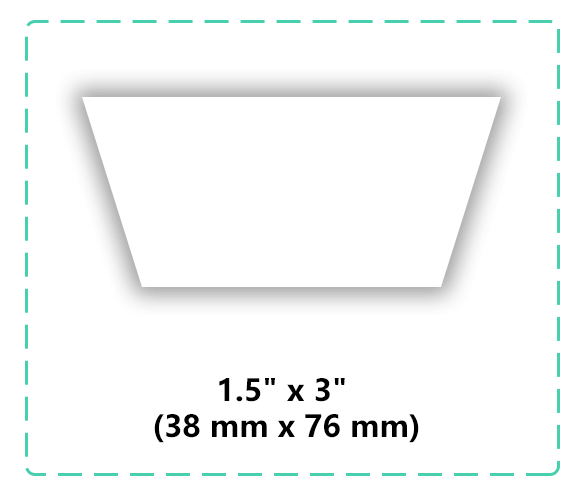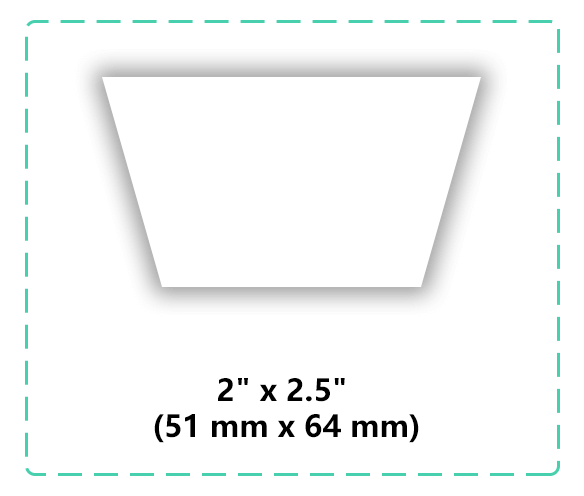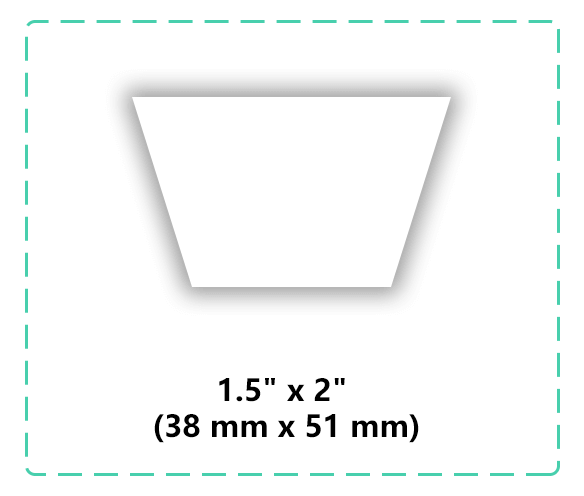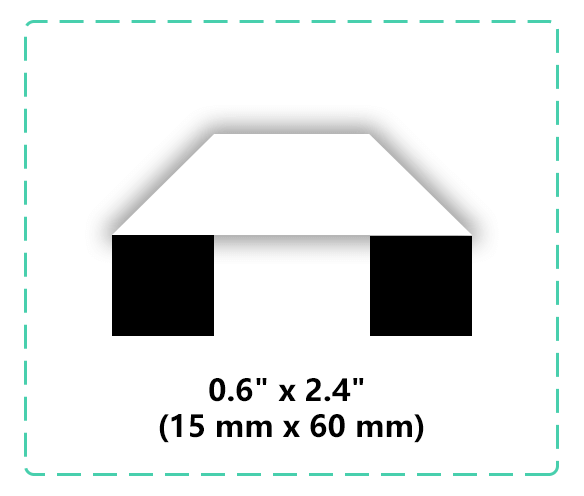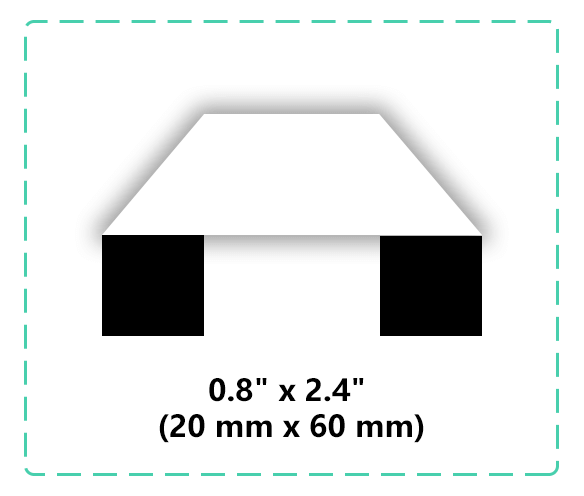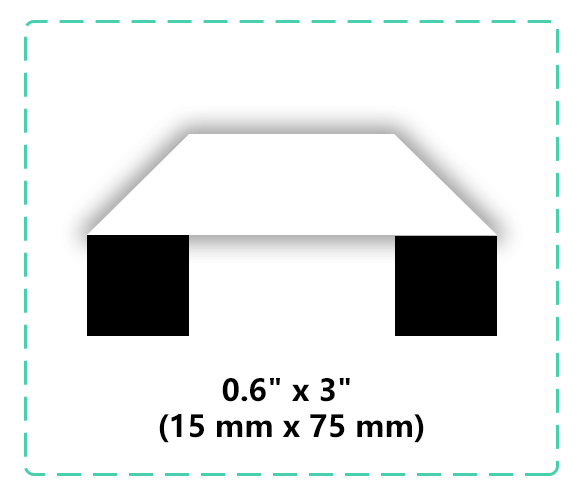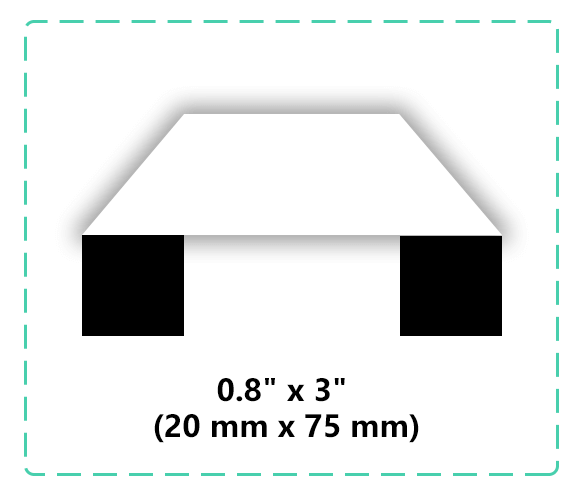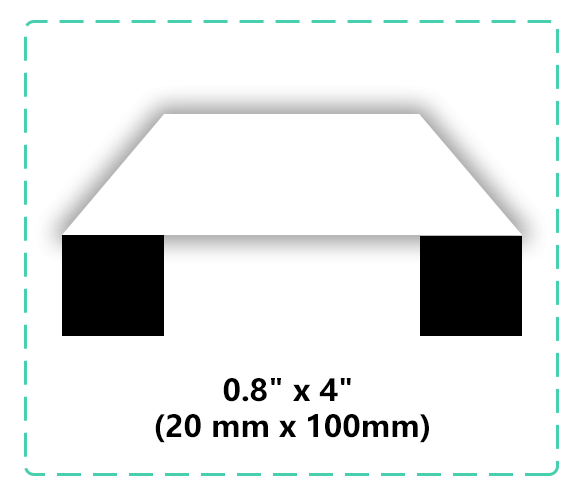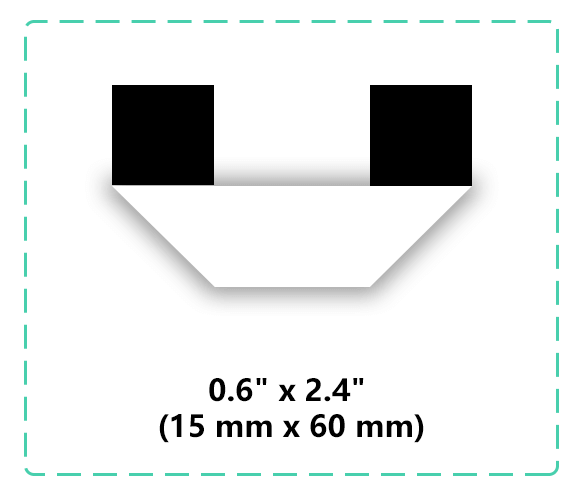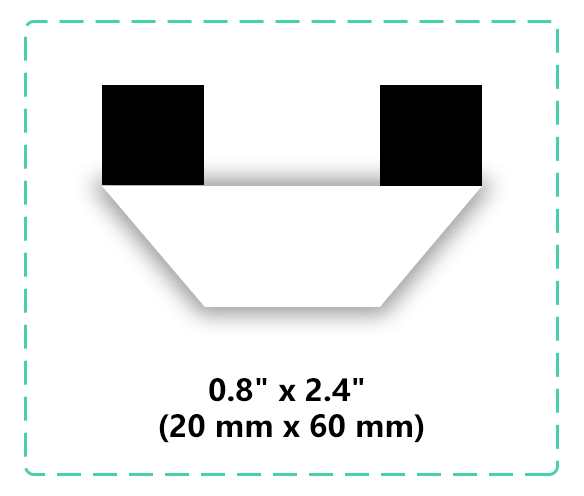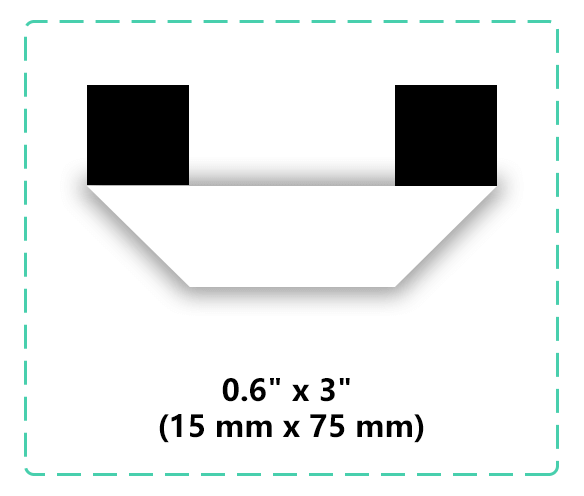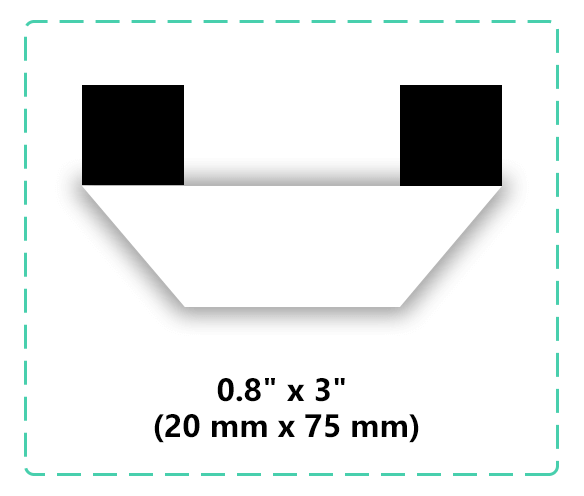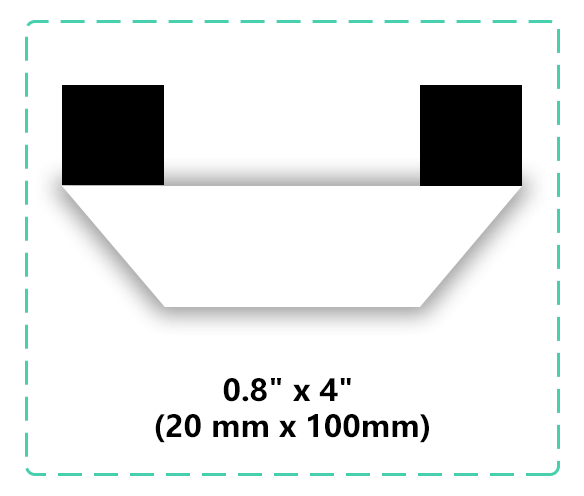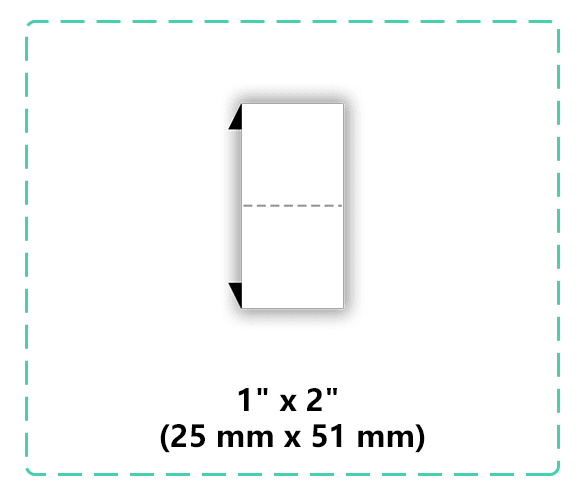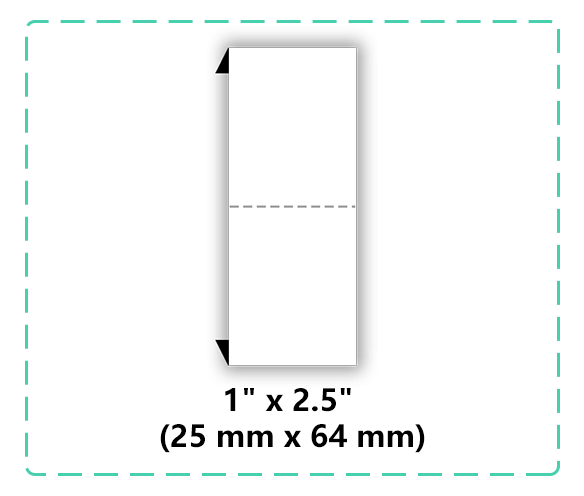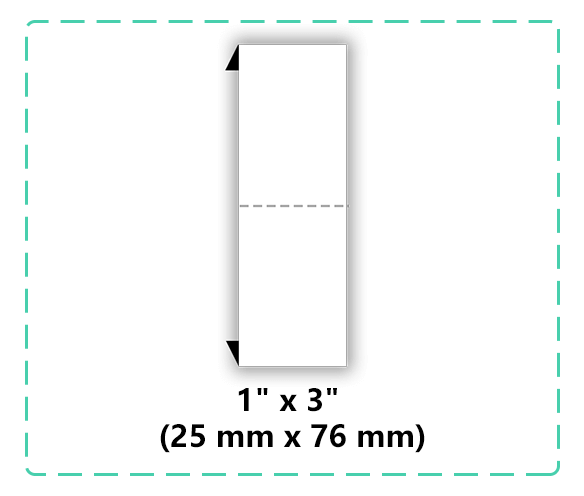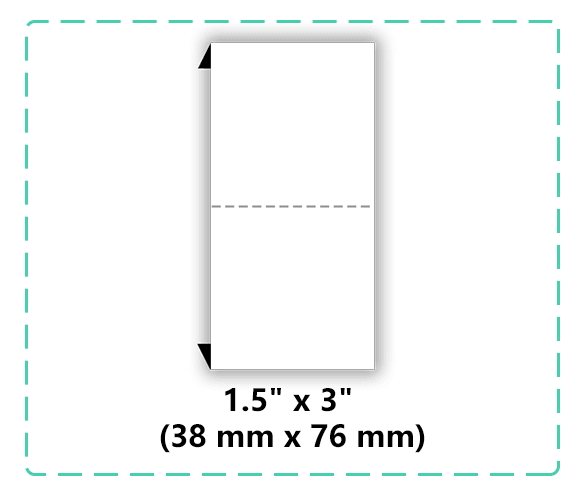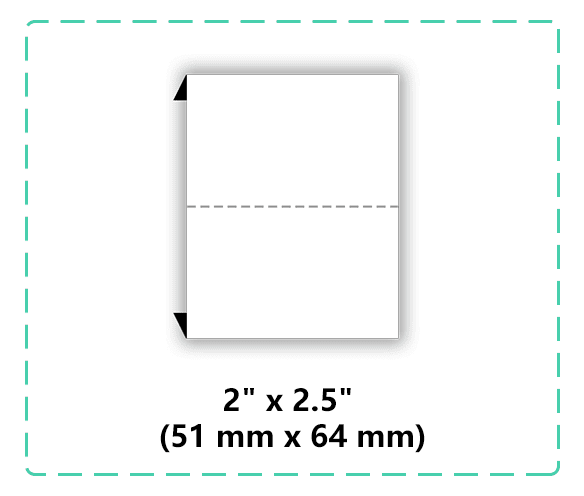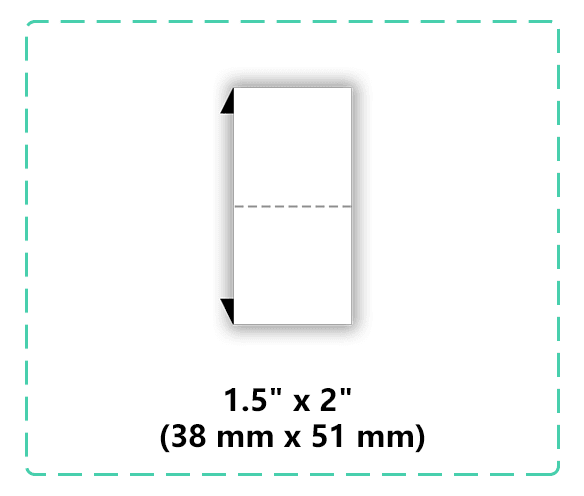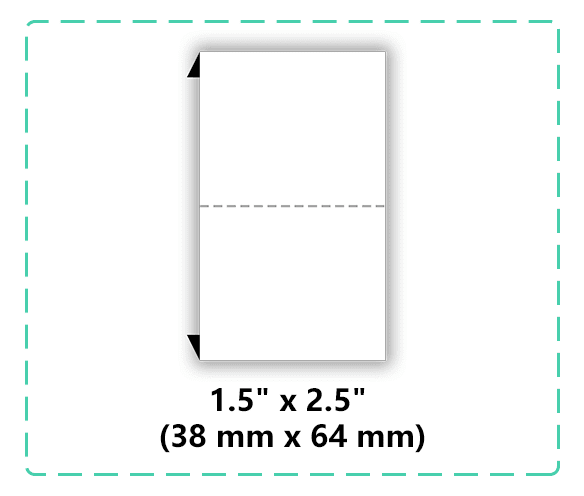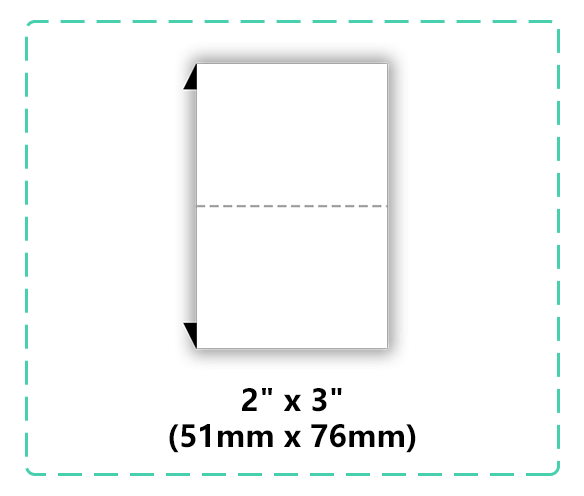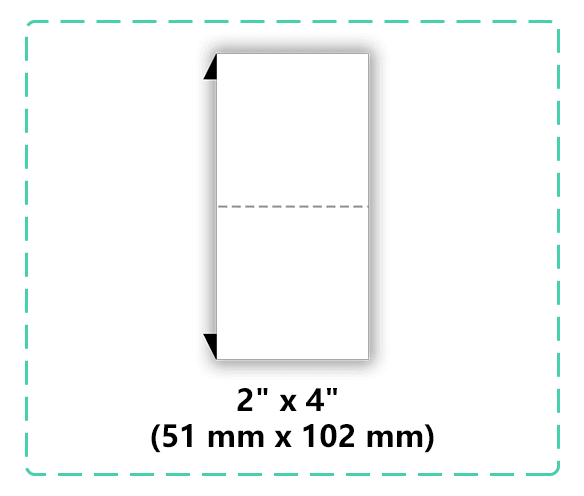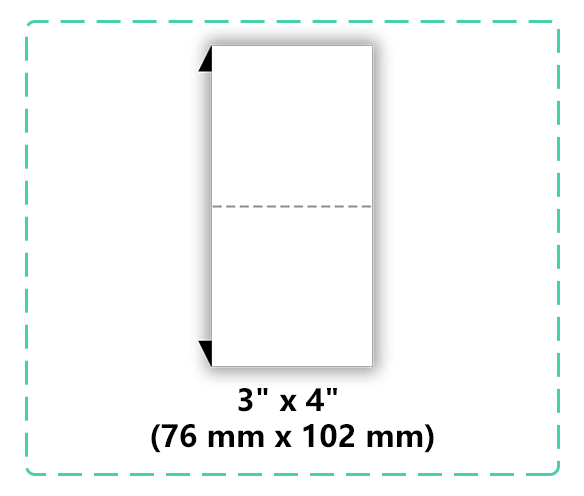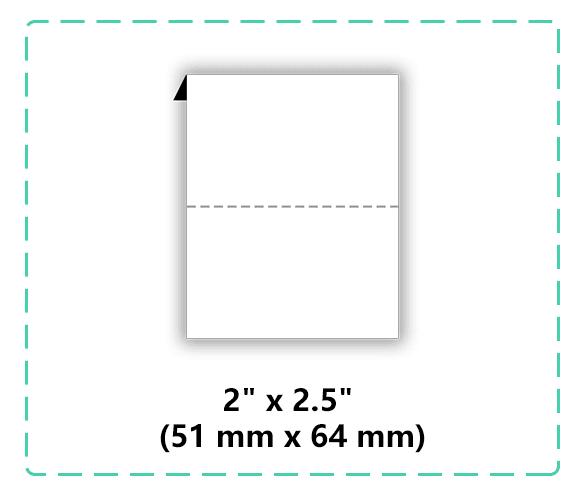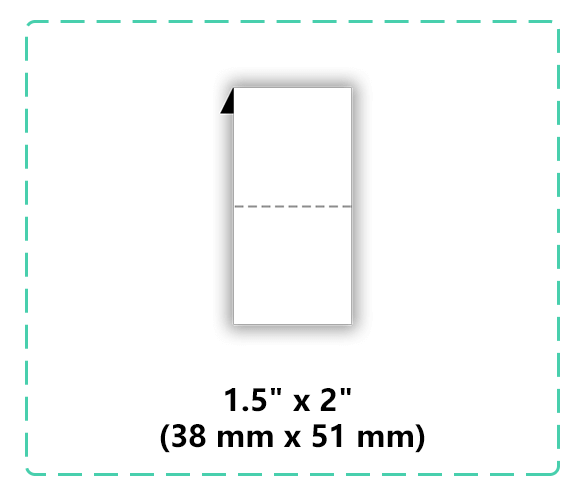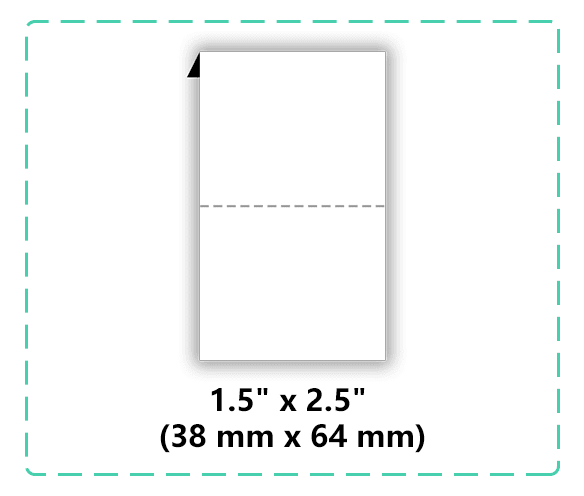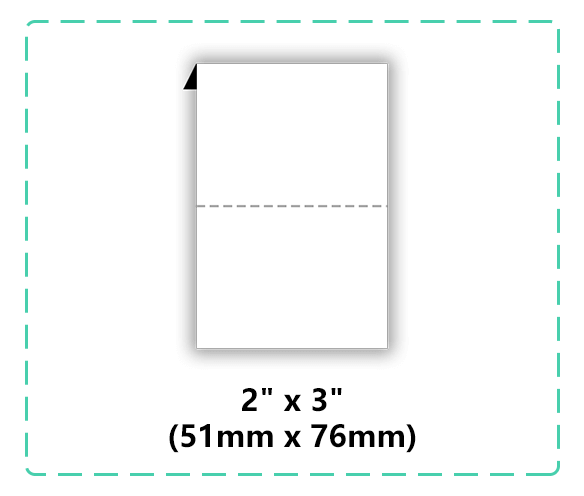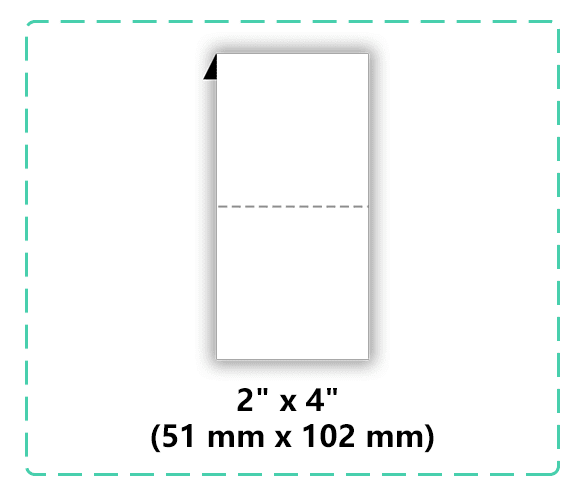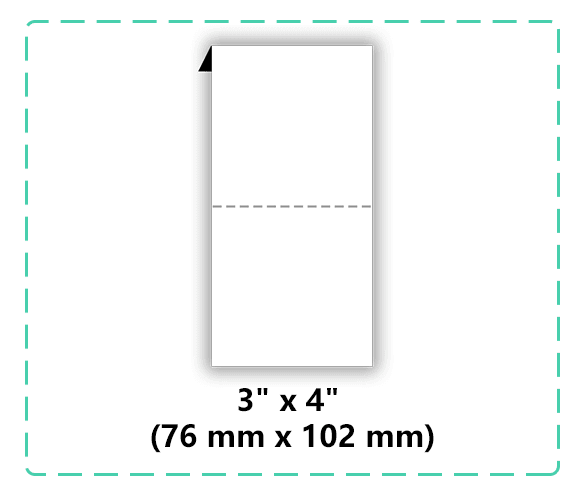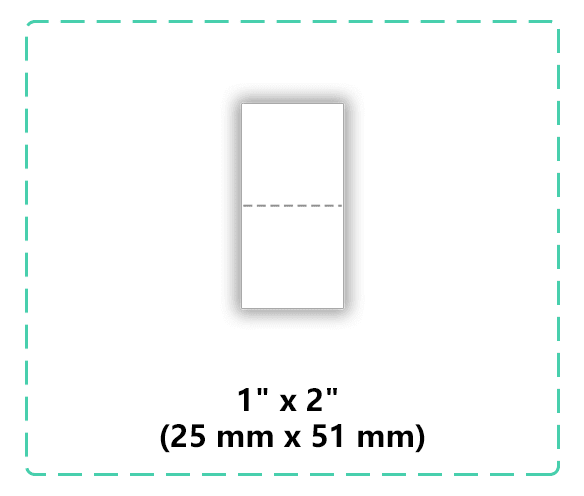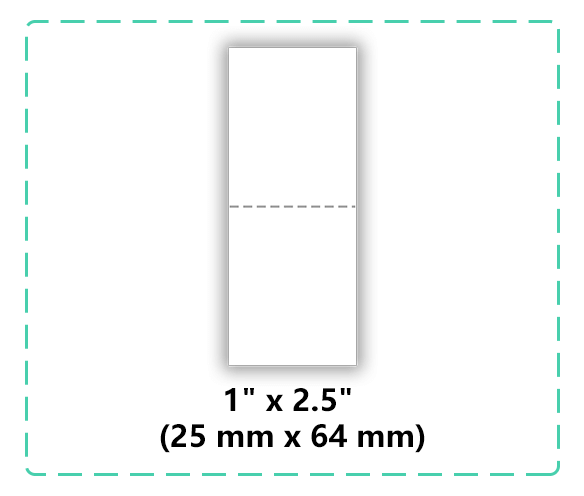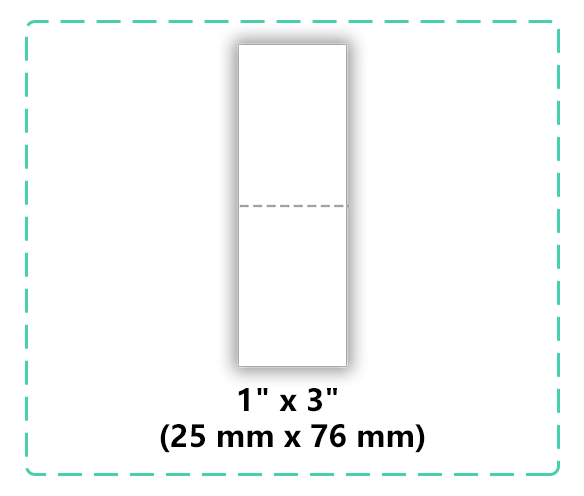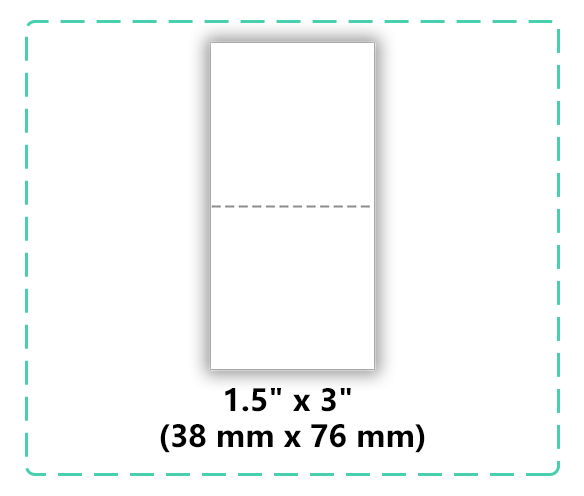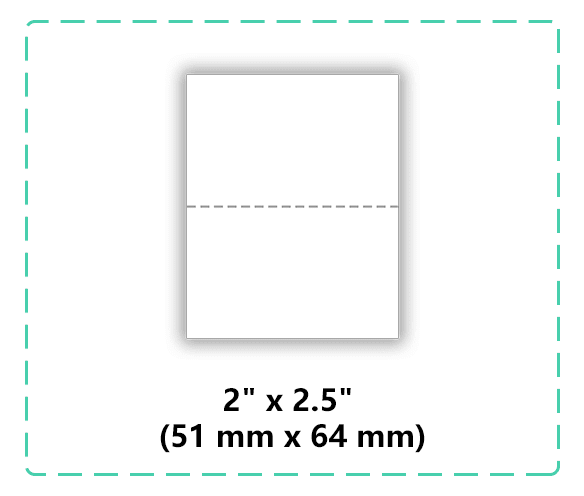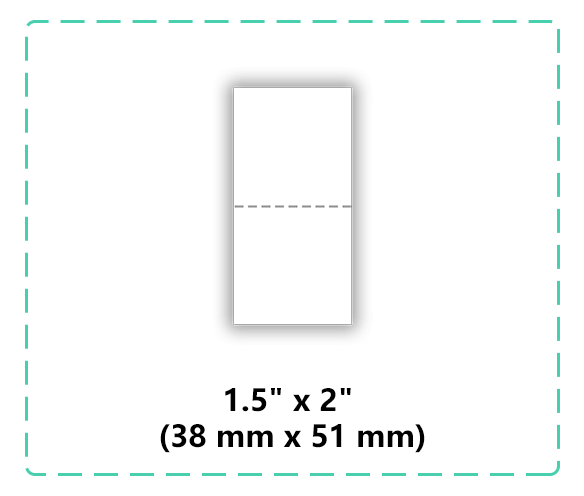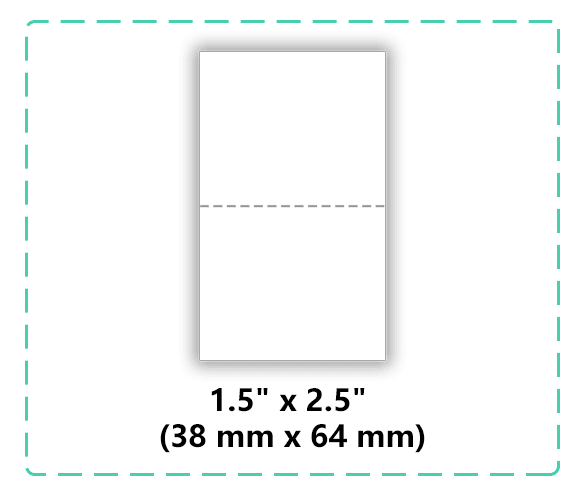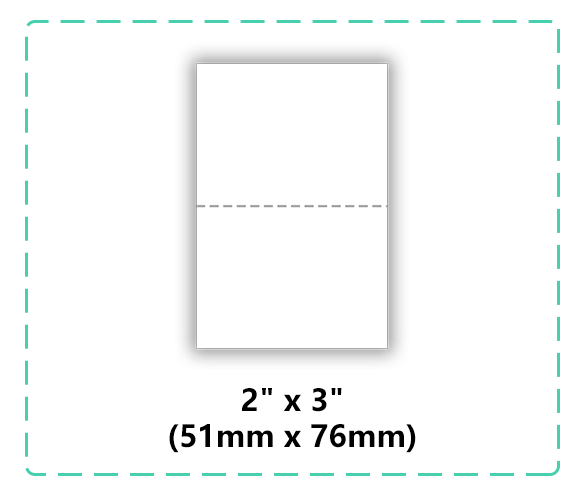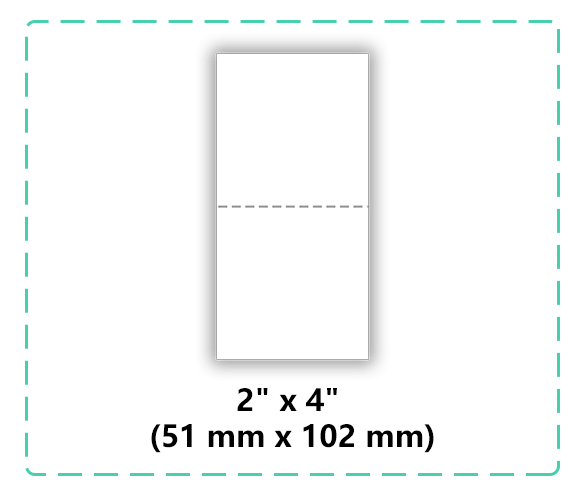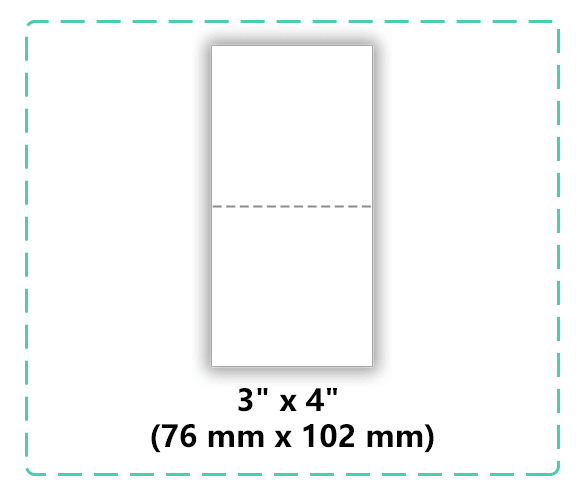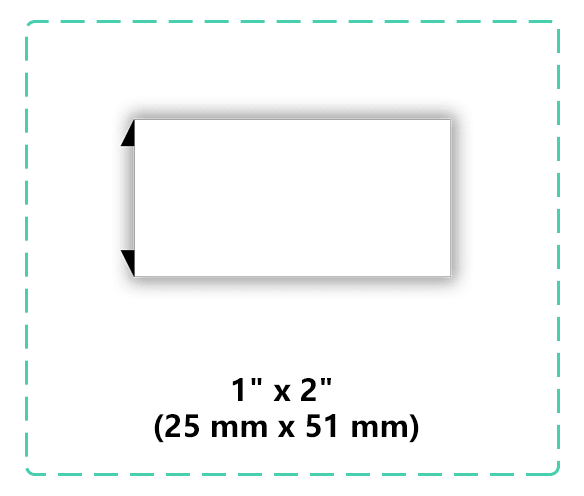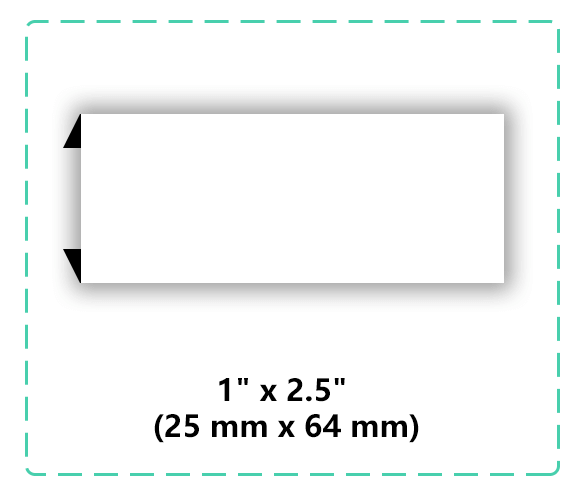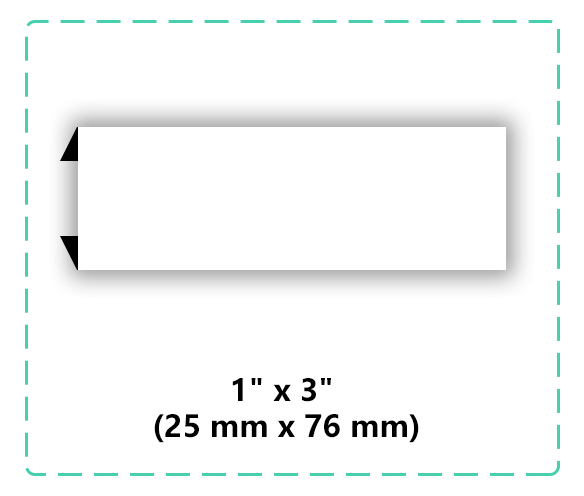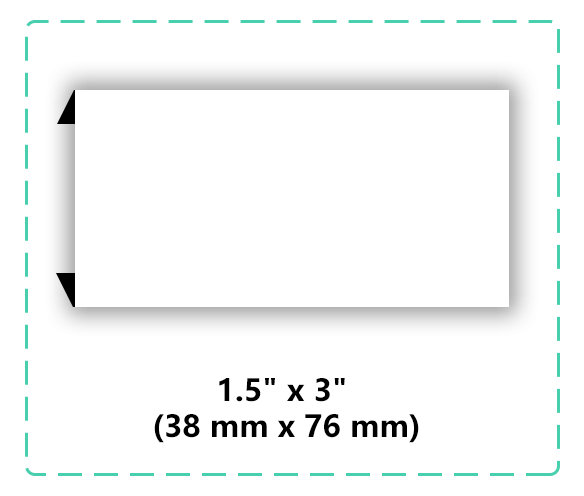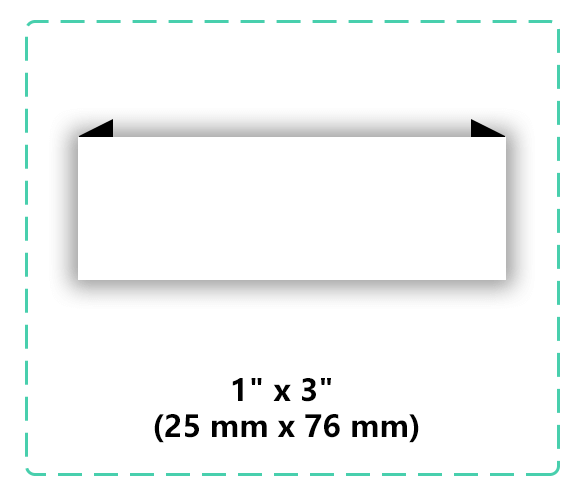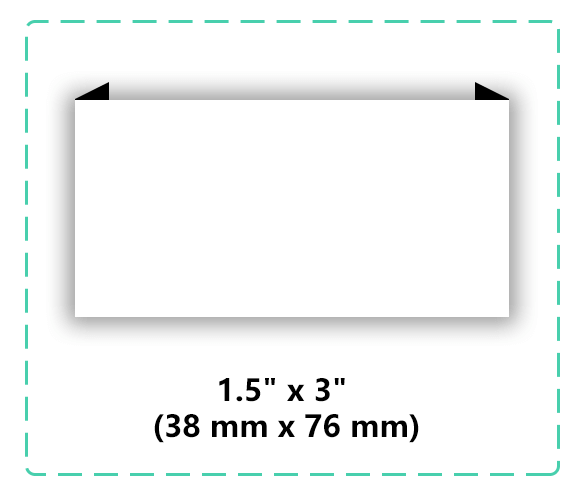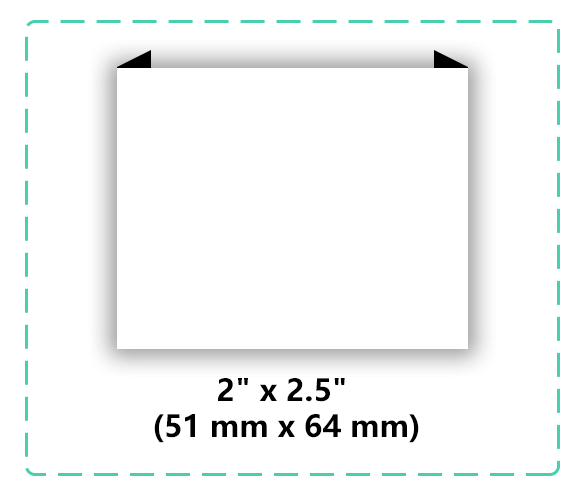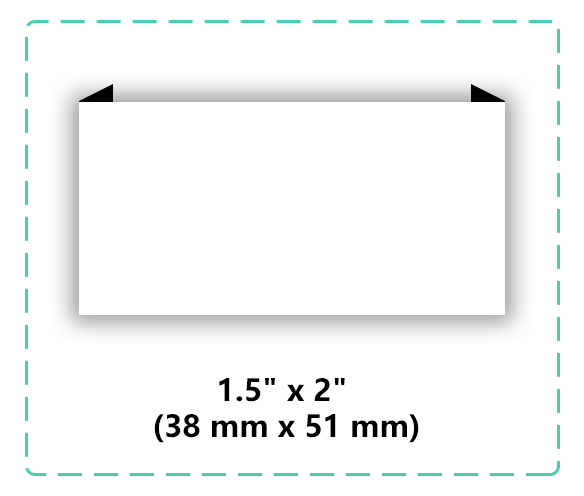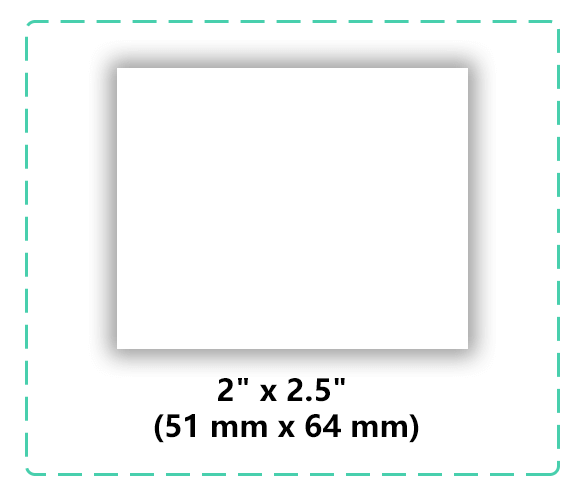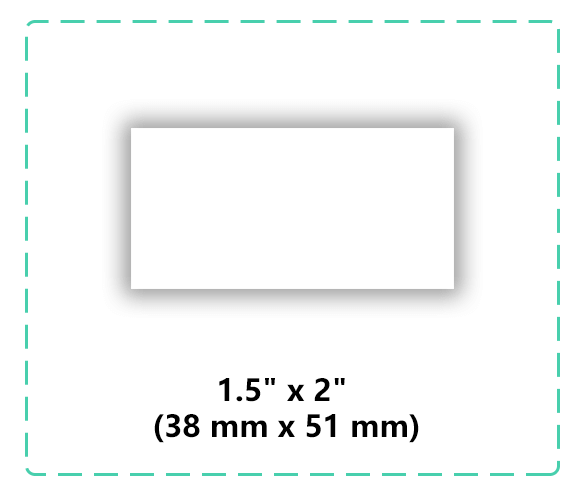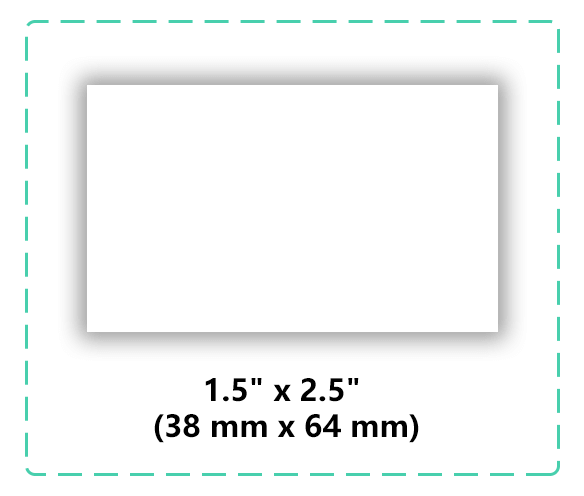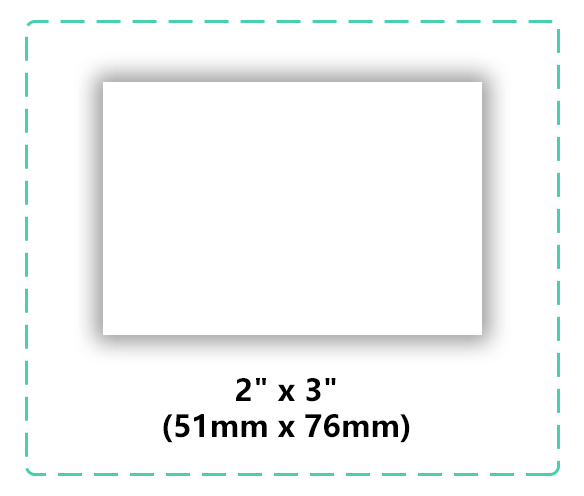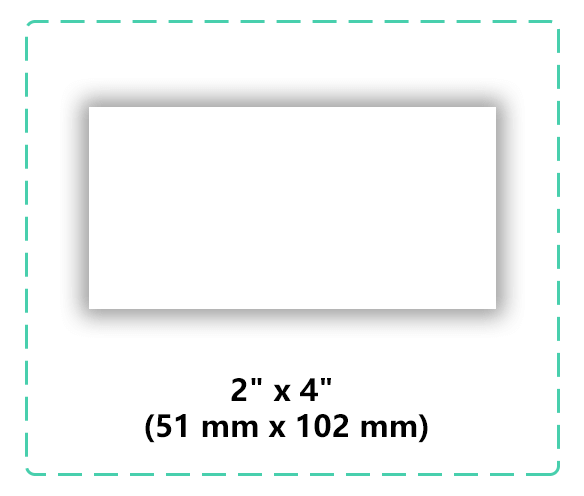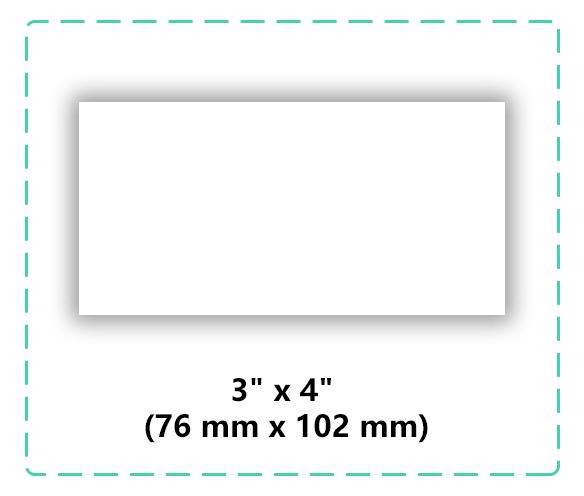

Want to design your own woven labels but don’t know where to start? Don’t worry! In this guide, I’ll break down the process into 7 actionable steps and provide one ready-to-use free template. By the end, you’ll have a factory-ready design in no time.
Define Your Purpose
Determine the purpose of your label: clothing, accessories, home goods, etc. Decide whether it’s a branding label or functional label (care/wash tag).
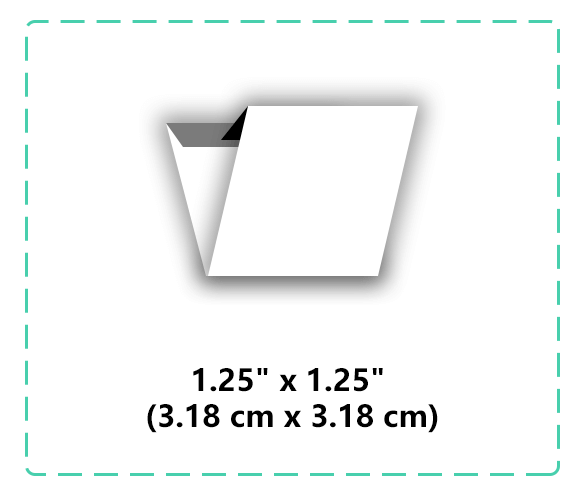
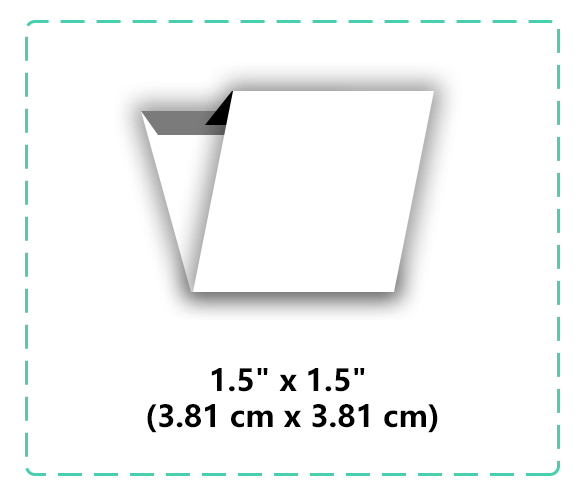
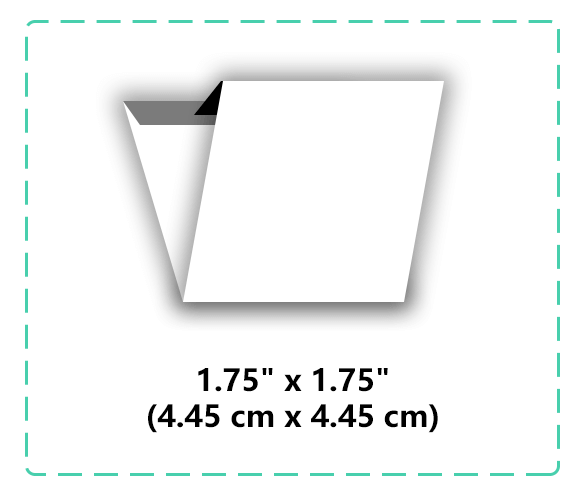
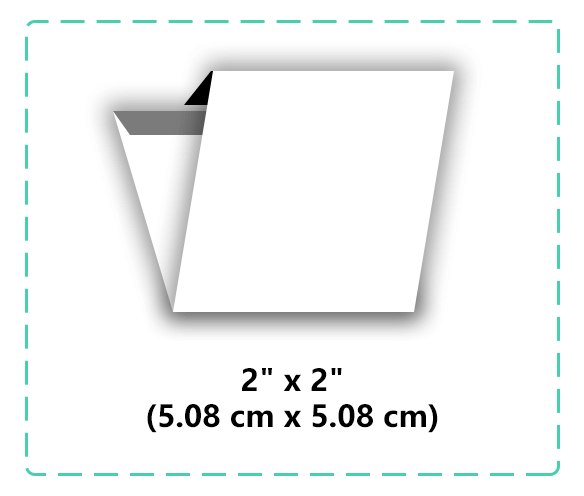
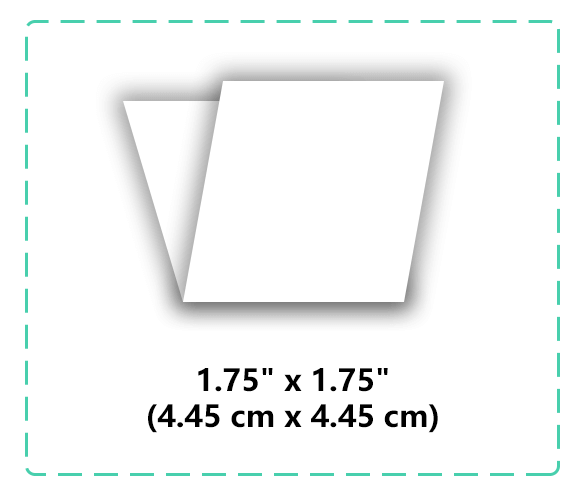
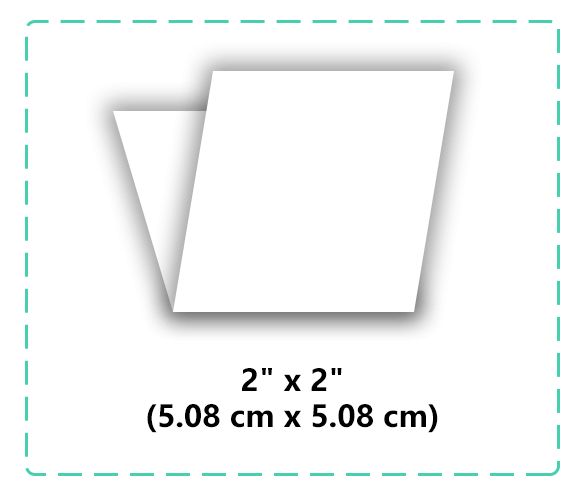
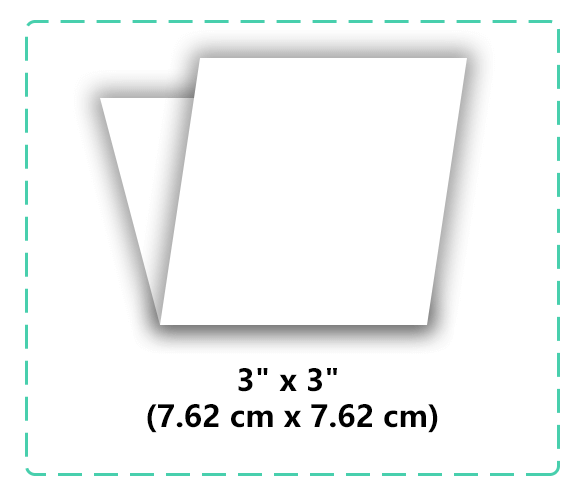
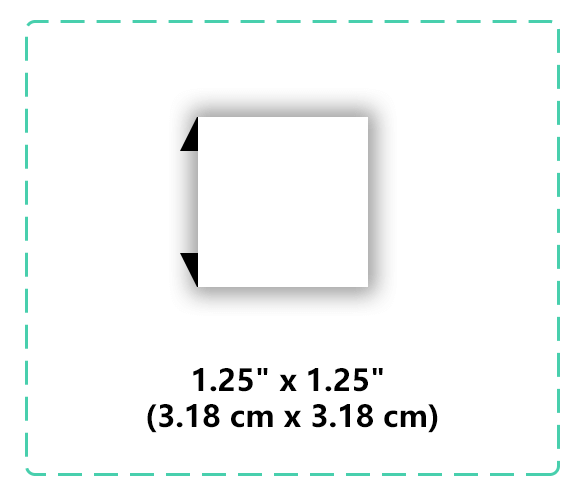
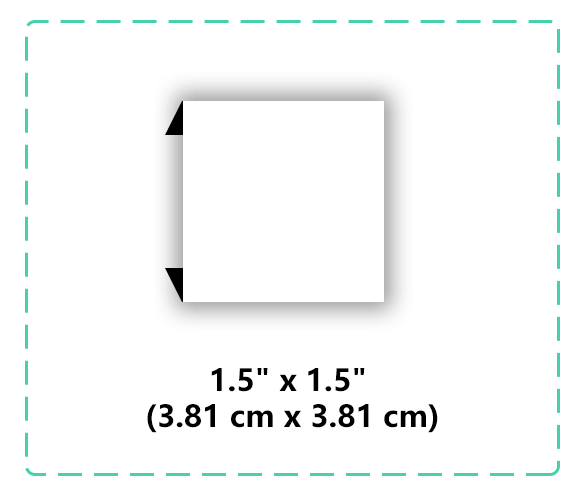
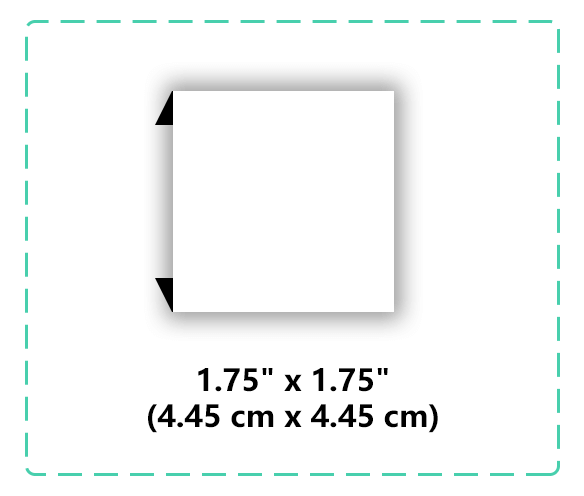
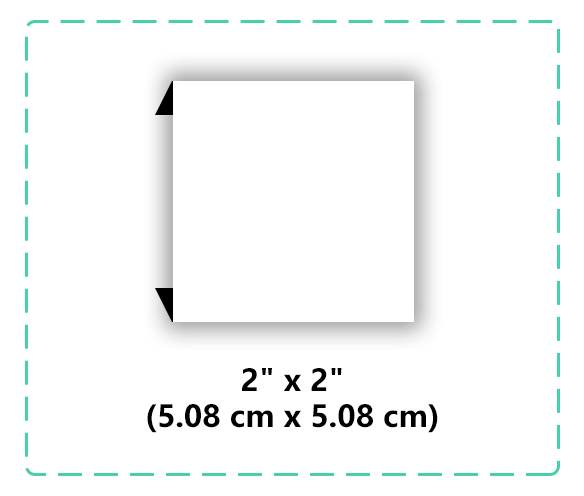
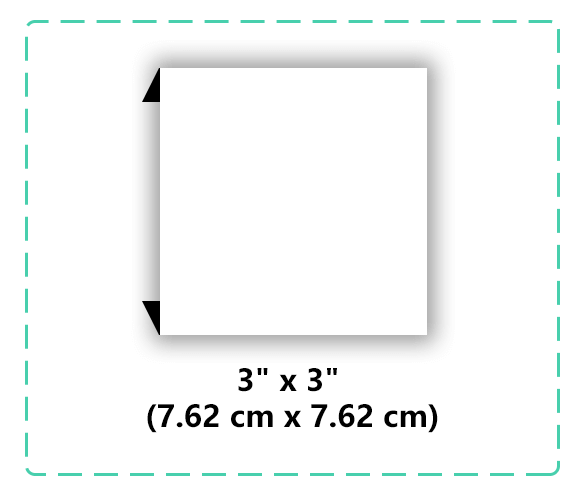
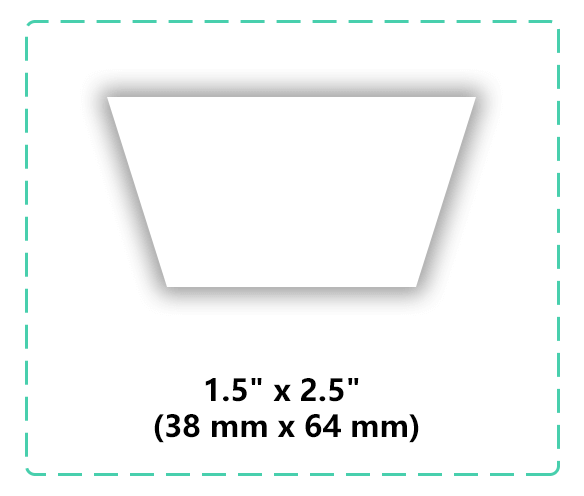
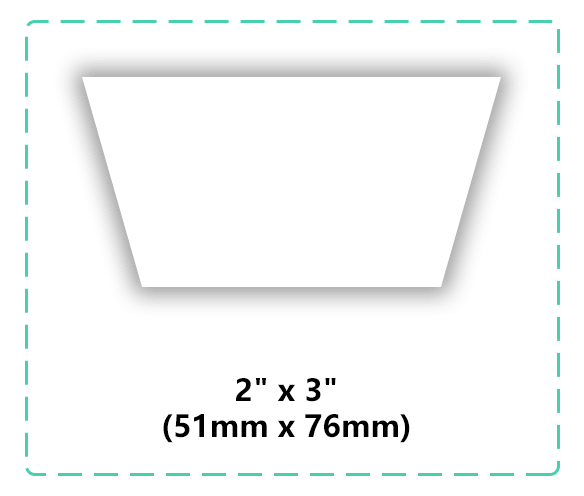
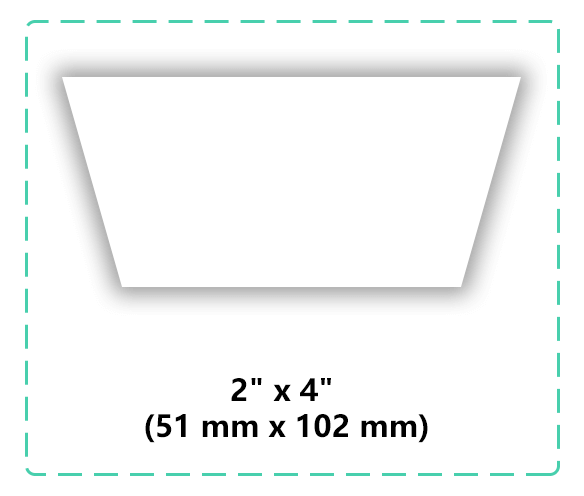
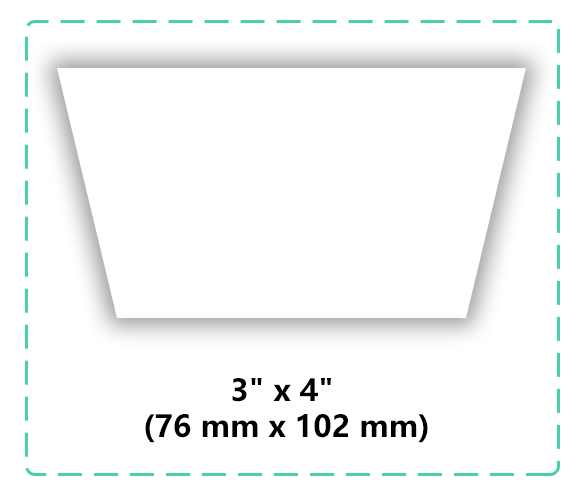
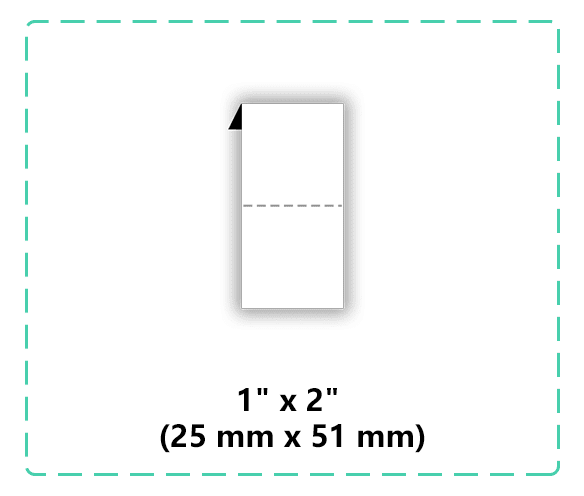
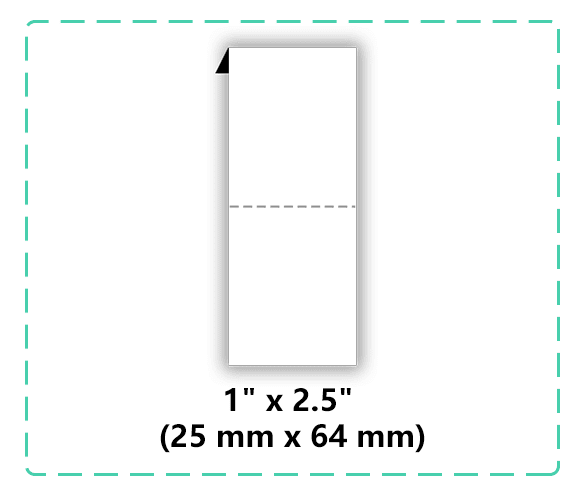
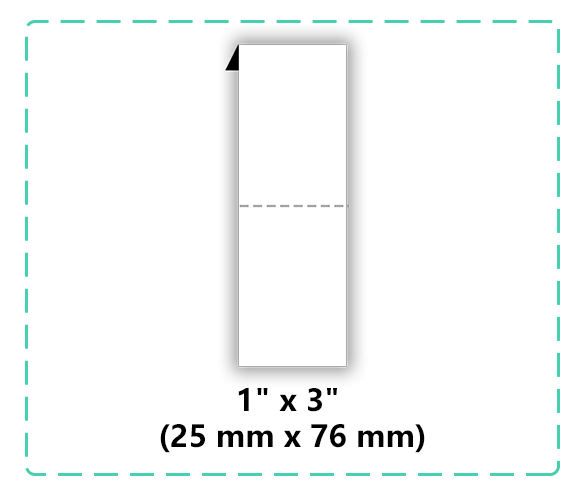
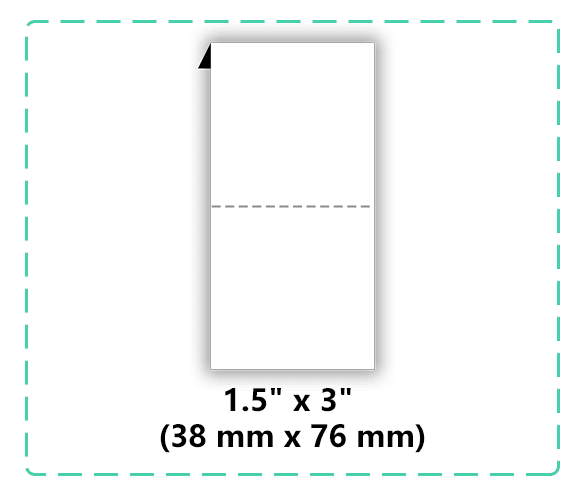
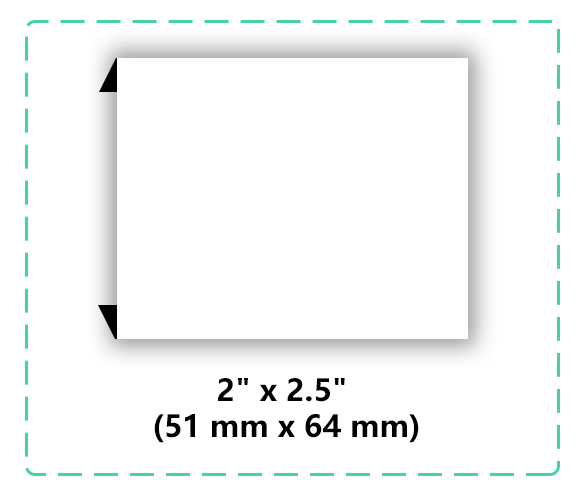
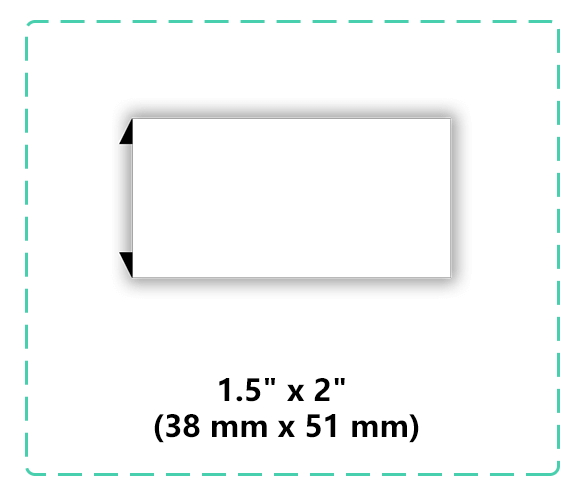
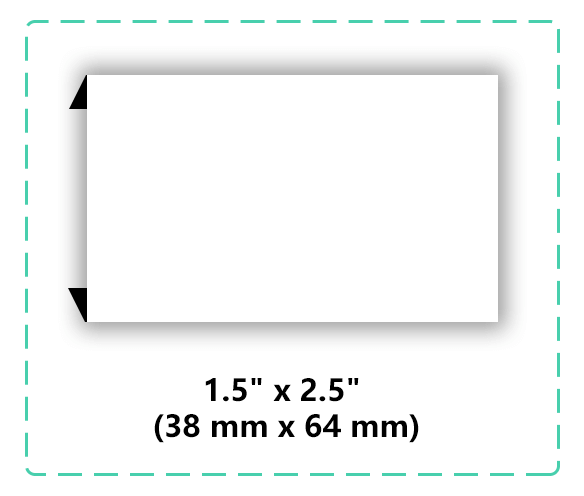
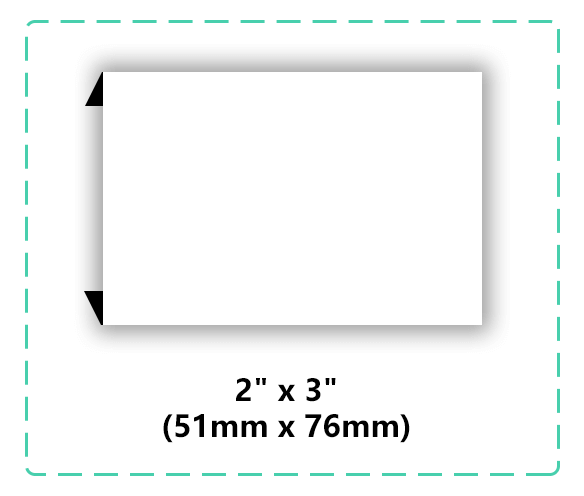
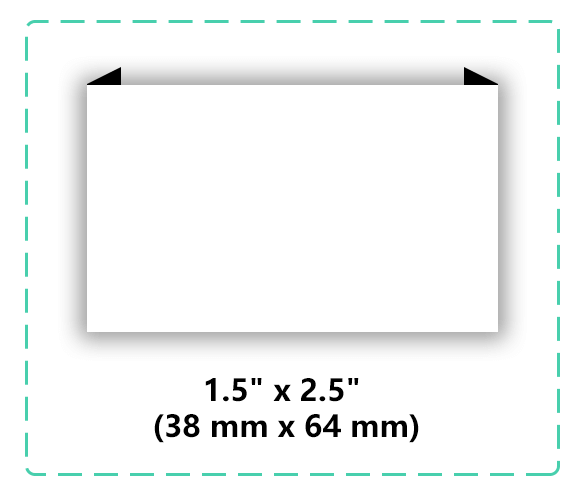
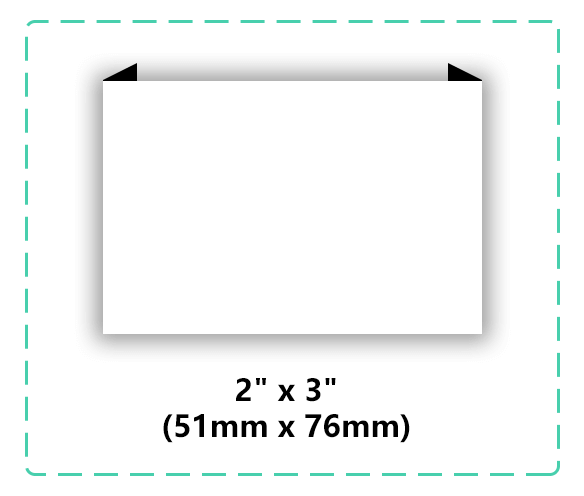
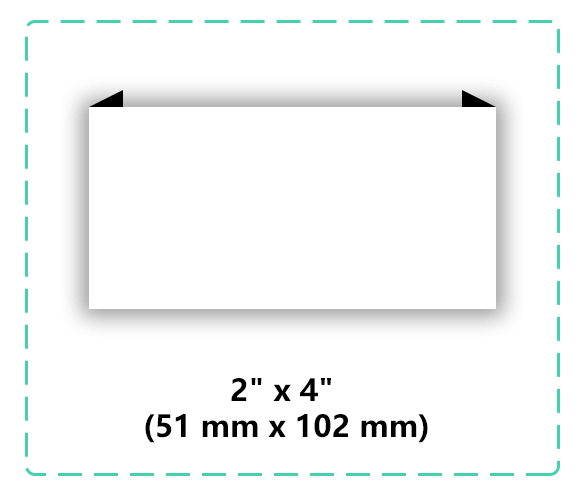
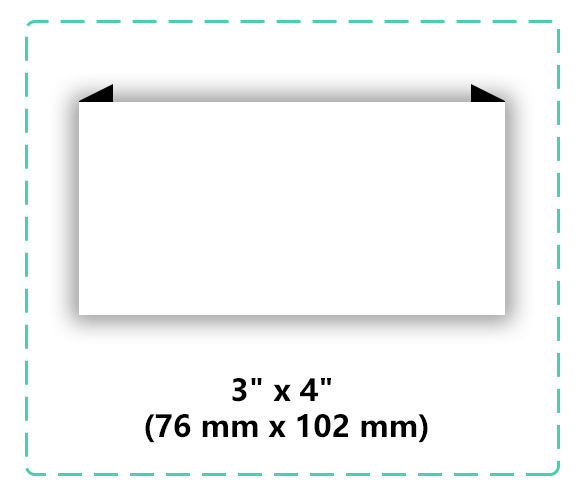
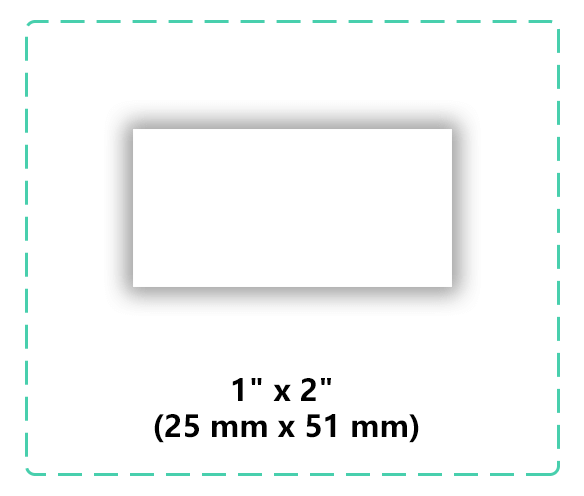
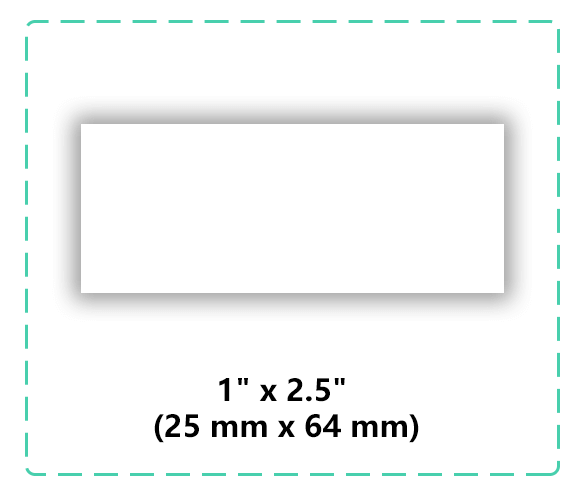
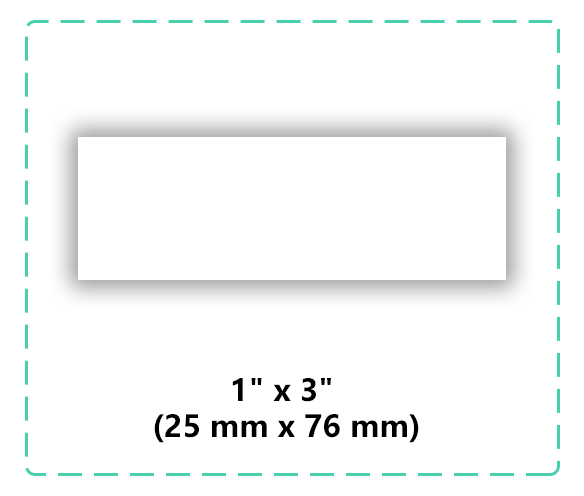
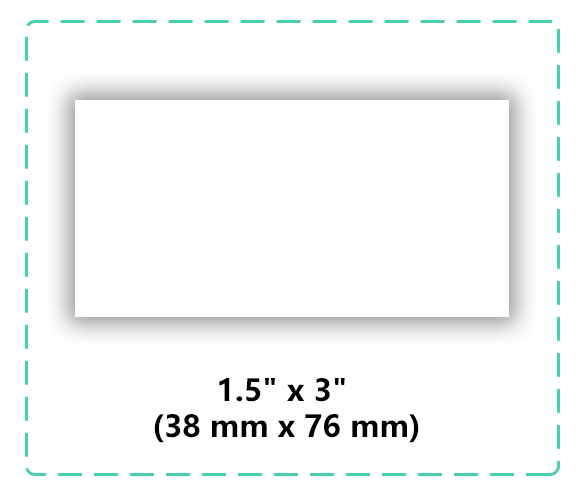
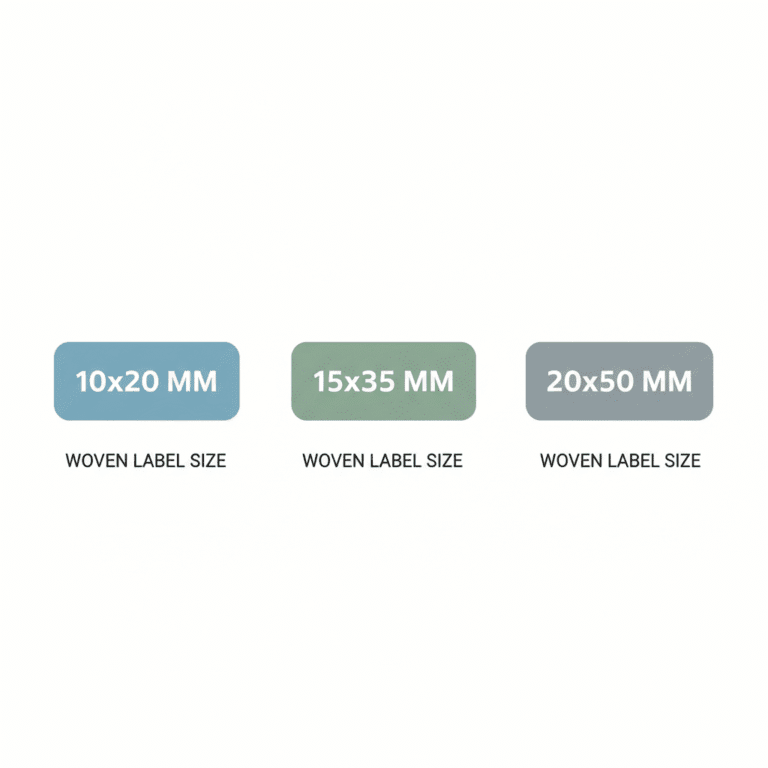
Common Woven Label Sizes
Typical sizes:
10 x 20 mm — neck label
15 x 35 mm — sleeve/neck label
20 x 50 mm — main clothing label
25 x 60 mm — jackets/sportswear
Material & Weaving Types
Common materials:
Damask — durable, fine weave
Satin — smooth and shiny
Twill — classic, slightly textured
Tips: For wash-resistant labels, choose Damask. For vibrant colors, choose Satin.
Online Design Tools
Tools to design your label:
Beginner-friendly: Canva, Placeit
Professional: Illustrator, Figma
Plugin-based: Fancy Product Designer (export as vector PDF / 300dpi PNG)
- “Fancy Product Designer setup” →
Key Design Tips
Margins: at least 1–2 mm
Minimum font size: 6pt
Line width: >= 0.5pt
High color contrast
Simplified logo
Horizontal orientation preferred
Provide reference mockup
Factory Upload Guidelines
Required formats: AI / EPS / PDF (vector preferred)
300dpi PNG for mockup
Pantone / CMYK color values
Outline fonts if needed
Include size & bleed marks
MOQ & Pricing
Typical small batch: 10–500 labels
MOQ affects unit price
Sample fee: usually 3–7 days
Bulk: 10–20 days
FAQ
Can I make wash labels as woven labels? → Yes, with Damask.
How to check color? → Use Pantone / CMYK values.
Rush order? → Additional fee may apply.
Conclusion
Download the template now and start designing your own professional woven label. Samples available upon request.
“Request samples” →